
Admin path
The portal route to a working license — no code. You’ll reach the same result as the API quickstart: a published entitlement a customer can activate.
- Sign in to the Provision Portal.
- Create a product — under Products, give it a name, code and version.
- Add features — on the product’s Features tab, add the capabilities you
license (each gets a dotted code, e.g.
api-calls.total). - (Optional) Add a usage plan — on the Usage Plans tab, define tiers such as
Basic/Prowith their limits. - Create an entitlement — under Entitlements, pick the customer and attach the product and a plan.
- Publish it — set the entitlement to Published so it can be activated.
- Issue an activation code — on the entitlement’s Activation Codes tab, generate a code and send it to the customer.
- Watch it work — activations, sessions and usage show up on the Dashboard and the entitlement’s Usage tab.
Your catalog and the codes customers redeem:
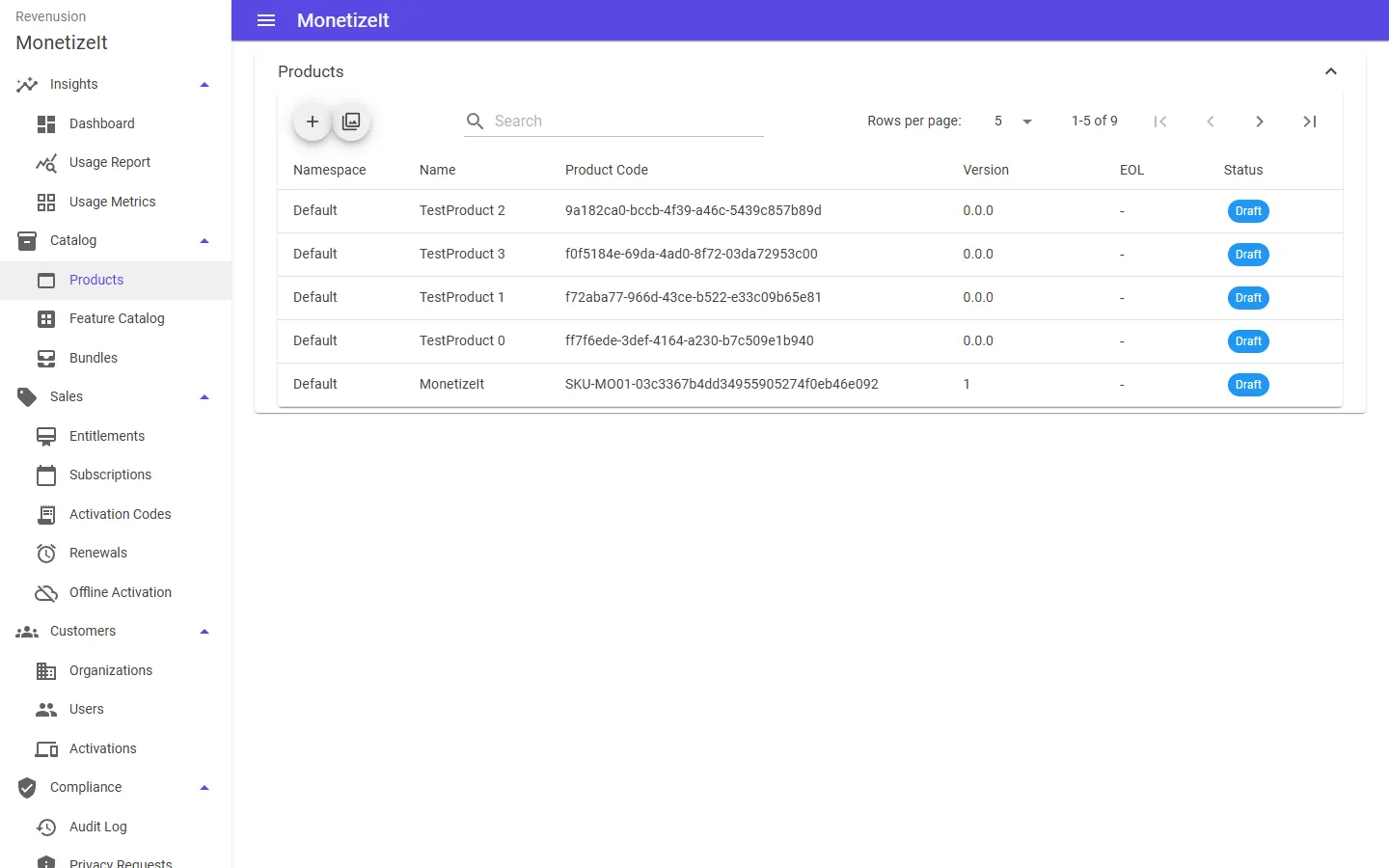
Products — each carries a code, version and lifecycle status.
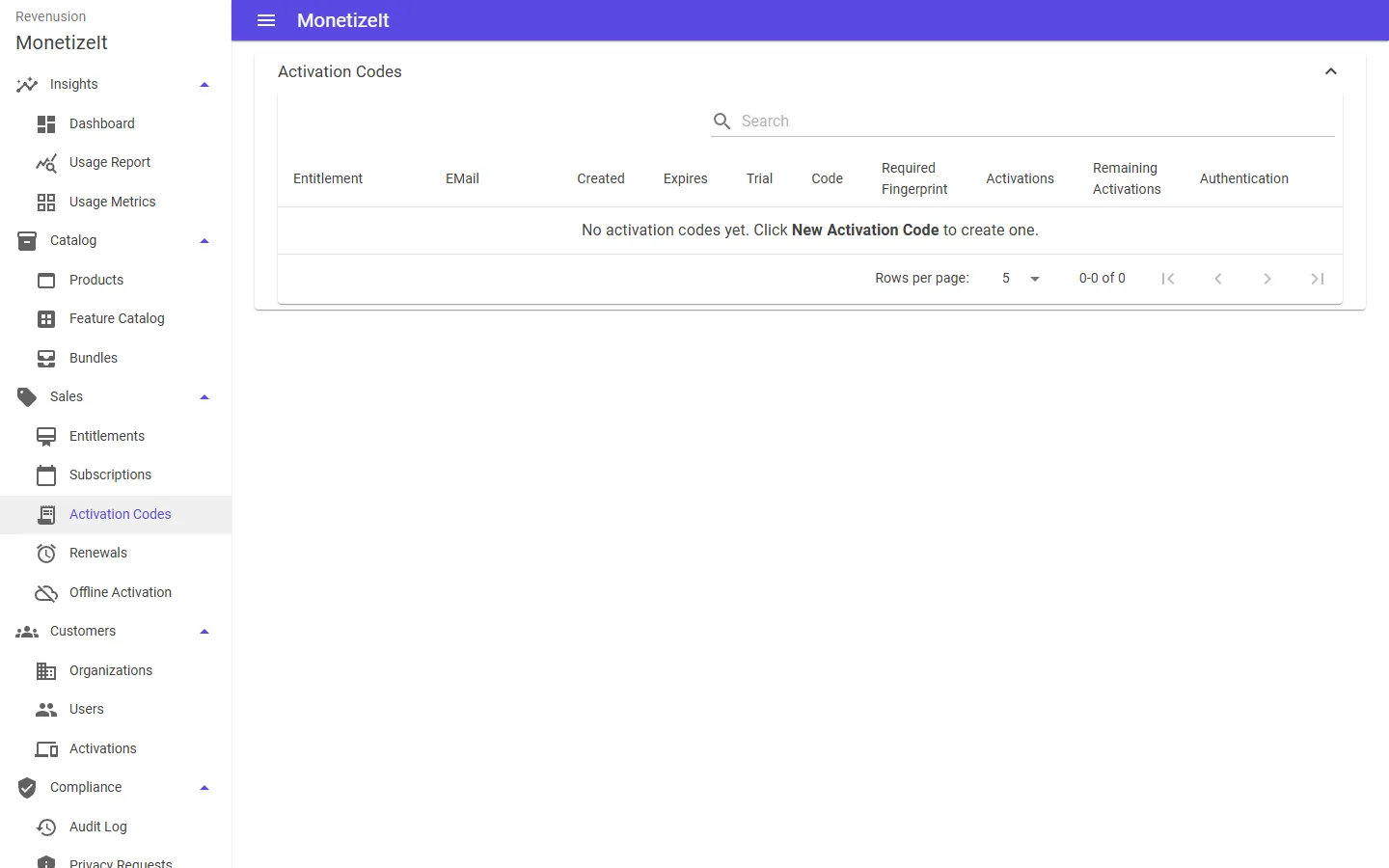
Activation Codes — generate one on an entitlement and send it to the customer to redeem.
That’s the whole loop. Task-by-task guides live under Using the Portal.