Get started
The quickest way to see MonetizeIt is in the portal — no code required. Pick the path that fits you; they share the same model, so doing one makes the others obvious.
Start in the portal
Section titled “Start in the portal”- Create your account and sign in.
- Open the Provision Portal.
- Create your first product and add a feature.
- Create and publish an entitlement so it can be activated.
- Watch it work — activations and usage appear on the dashboard.
The Admin path walks these steps screen by screen.
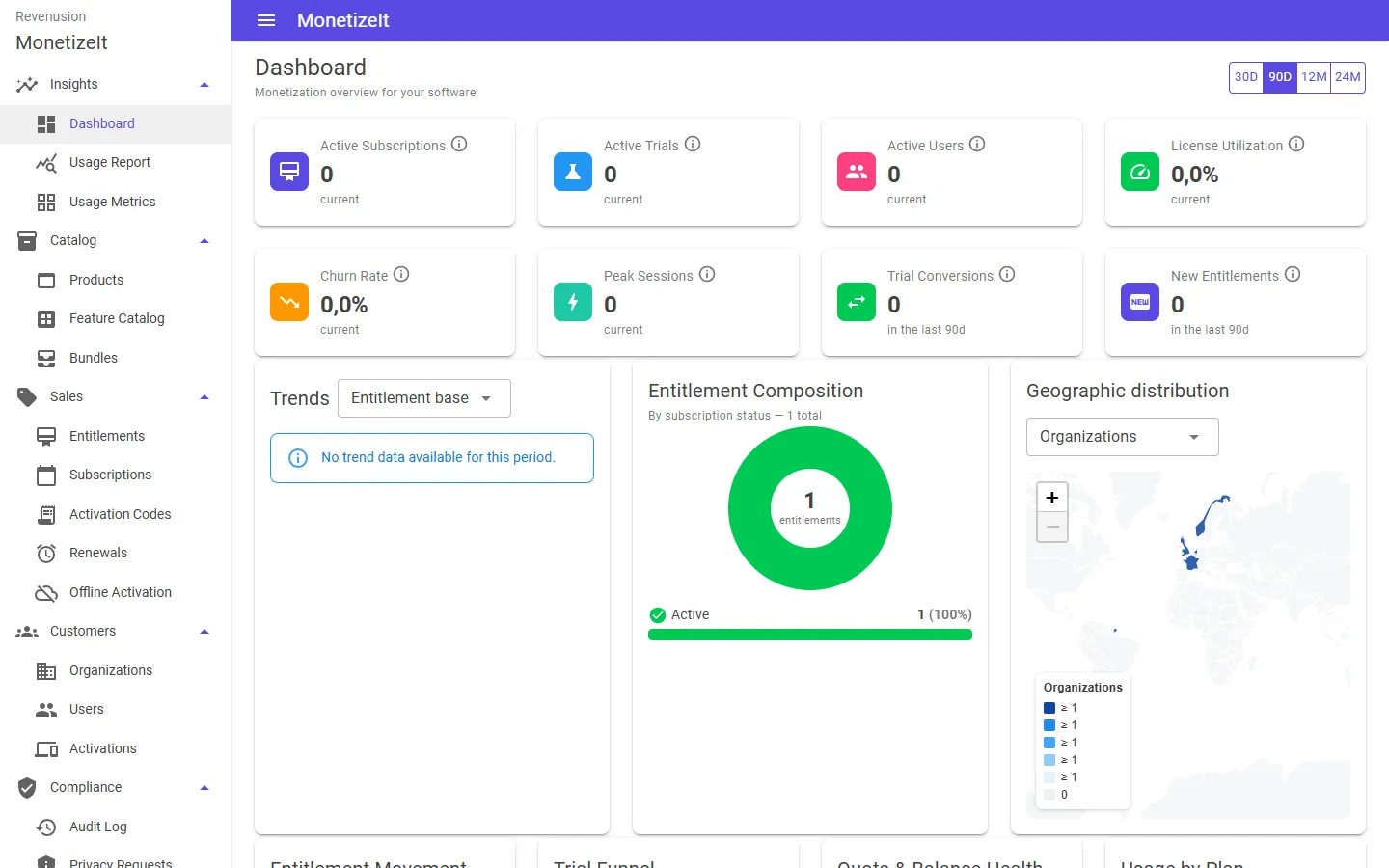
The Provision Portal dashboard — active subscriptions, trials, license utilization, the entitlement mix and where your customers are, at a glance.
Then integrate from your app
Section titled “Then integrate from your app”When you’re ready to enforce licenses and report usage from your own software:
- Developer path — drop a client SDK into your app and gate a feature on an entitlement.
- API quickstart — the same loop against the REST API, for any language.
Deeper guides live under Using the Portal and Develop.